Outbound & Lead Gen
CallRail Setup Guide: From Install to First Attribution Report
You know some of your best leads come from phone calls. You cannot prove which marketing channel drove them. CallRail fixes that by tying every inbound call to a traffic source, recording the conversation, and logging it in your CRM. This guide walks you through the setup from account creation to your first useful attribution report.
By Alex Vero, Editorial Lead
Published: March 18, 2026
Last updated: March 18, 2026
Fast path
Pick your next step
Use the shortest route for the decision you need to make right now.
- What CallRail actually does for a small business
- Setup walkthrough: live in one afternoon
- Your first attribution report
Open the shortlist before you read the full breakdown
Keep the relevant product pages open in parallel so you can compare pricing, trials, and setup friction while you read.



Deep-dive guide on CallRail
What CallRail actually does for a small business
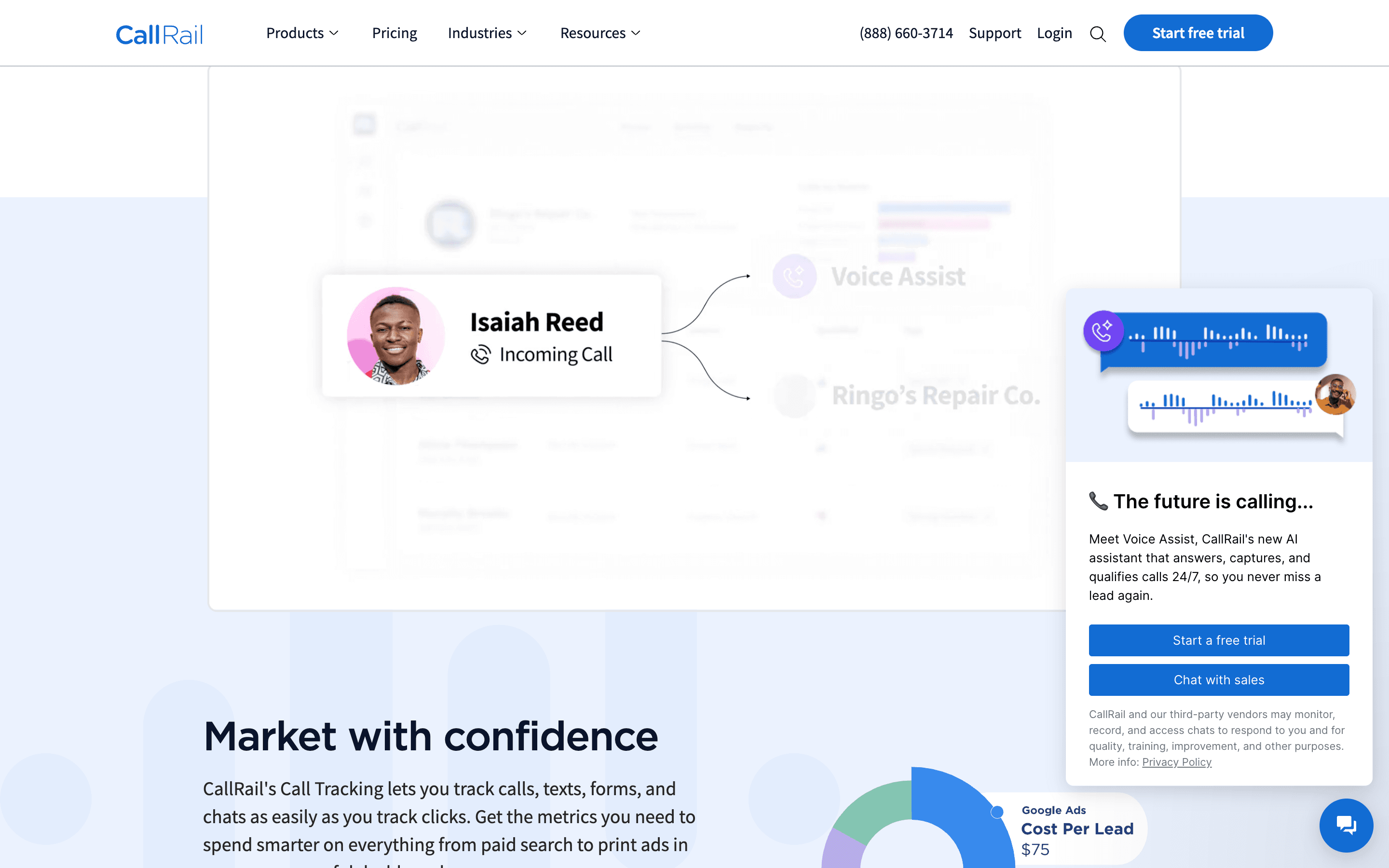
CallRail assigns tracking phone numbers to different marketing channels. When a prospect calls, the system records which number they dialed, which maps back to the source: Google Ads, organic search, Facebook, a direct mailer, or a referral partner. That one layer of tracking transforms your marketing reporting from guesswork into evidence.
Beyond attribution, CallRail records calls, transcribes them, and can push the call data into your CRM. For a small business, this means every phone lead automatically gets a record, a source tag, and a recording you can review later. No more scribbled notes on a pad that never make it into your pipeline.
The practical value is not fancy analytics. It is knowing which channels produce real phone conversations and being able to prove it when you make budget decisions. If you spend money on Google Ads and cannot tie a single phone lead back to that spend, you are flying blind. CallRail makes the invisible visible.
Setup walkthrough: live in one afternoon
Step one: create your account and first company. Sign up and create a company profile with your business name and timezone. This takes two minutes. Everything else in CallRail lives under this company.
Step two: set up tracking numbers. For online sources, use a dynamic number pool. This swaps the phone number on your website based on the visitor's traffic source. One visitor from Google Ads sees one number, another from organic search sees a different one. For offline sources like print ads or business cards, create static tracking numbers, one per source.
Step three: install the JavaScript snippet. Add the CallRail tracking script to your website. This enables dynamic number insertion for online visitors. If you use Leadpages, the snippet goes in the page settings under tracking codes. If you use WordPress, add it to the header. This is the step that makes online attribution work.
Step four: configure call routing. Decide where calls ring: your cell phone, an office line, or a team round-robin. Set business hours so after-hours calls go to voicemail. Enable call recording and transcription so every conversation is logged automatically.
Step five: connect your CRM. If you use monday.com, set up the integration so every tracked call creates or updates a contact record. If you use Pipedrive or HubSpot, native integrations handle the sync. The goal is zero manual data entry between the phone call and your pipeline.
Your first attribution report
After one to two weeks of call data, open the CallRail dashboard and look at the Call Attribution report. This shows calls broken down by source: paid search, organic, direct, referral. Sort by volume first to see which channels drive the most phone conversations.
Then look at call duration. Short calls under two minutes are usually tire-kickers or wrong numbers. Longer calls are real conversations. Filter for calls over three minutes and re-examine the source breakdown. This is your qualified call report, and it often tells a different story than raw call volume.
Use this report in your next budget review. If Google Ads drives 40 percent of your qualified phone leads but you have been considering cutting the budget because the online form fills are low, now you have the data to make the right call. Attribution clarity pays for CallRail many times over in better budget decisions.
Ready to narrow the shortlist?
Compare the live product pages from this guide before you finish the article and lose the buying context.
Three setup mistakes to avoid
- Too few tracking numbers. If you use one number for all online traffic, you lose the source granularity that makes CallRail valuable. Use a dynamic pool with at least four numbers for websites with meaningful traffic.
- Skipping the CRM integration. Call data that lives only in CallRail is useful for reporting but useless for sales follow-up. Connect your CRM so every call becomes an actionable record in your pipeline.
- Ignoring call recordings. Recordings are not just for compliance. Listen to your first ten calls to understand how leads describe their problems. That language goes directly into your marketing copy and sales scripts.
What to do next
For a deeper comparison of call tracking platforms, read Best Call Tracking Software for Small Businesses. If attribution is working but your inbound calls are not converting, read How Small Agencies Leak Leads to audit the full handoff chain.
If you want to pair CallRail with landing pages that drive more phone traffic, see How a Solo Consultant Uses Leadpages to Book More Clients.
Compare the tools mentioned in this guide
Open the official product pages to review current pricing, trial terms, and fit before you choose.